How ready is your firm?
Answer eight operational questions and receive a private score, with an optional send-to-us step.
Check your scoreCASE EXAMPLESLaw firm automation
From a new enquiry to a properly reviewed prospective-client record.
Read the checklistWORKFLOW GUIDEPrevent missed follow-ups
Replace memory with ownership, due times and visible escalation.
See the workflowINTEGRATION GUIDEClio and Google Workspace
General project patterns for calendars, documents and reviewed communications.
Explore examplesLaw firm intake automation
A reliable intake system organizes handoffs. It does not decide who the firm represents or replace conflict review.
Eight useful automation points
- Bring website, phone, referral and campaign enquiries into one visible queue.
- Turn missing required information into a review task, not a silent failure.
- Check email, phone and names for possible duplicates before record creation.
- Give every enquiry an owner and due time.
- Send a neutral receipt confirmation without implying representation.
- Prepare conflict searches while keeping the decision with authorized staff.
- Apply approved consultation and reminder rules.
- Move only approved data into the matter system without unnecessary re-entry.
Clio Grow can manage intake stages. Airtable can support a controlled operational queue. Make, Zapier or a direct API can move validated information between approved systems. The best choice depends on permissions, volume, risk and the firm’s existing stack.
Prevent missed client follow-ups
The fix is not simply “send more email.” The fix is visible ownership, a due time and a safe escalation path.
Useful examples
- Incomplete intake: create a staff task and, where appropriate, send a limited reminder. Stop when the form arrives or staff closes the enquiry.
- Upcoming consultation: send calendar reminders using approved timing and update the existing event when plans change.
- Matter stage change: create the right internal checklist and prepare sensitive communication for human review.
A Make webhook can react to an approved event; ordered processing can prevent overlapping updates, and error handlers can preserve failures for review. Zapier can suit simpler trigger-and-action tasks. Neither platform removes the need for access controls and testing.
Clio and Google Workspace automation
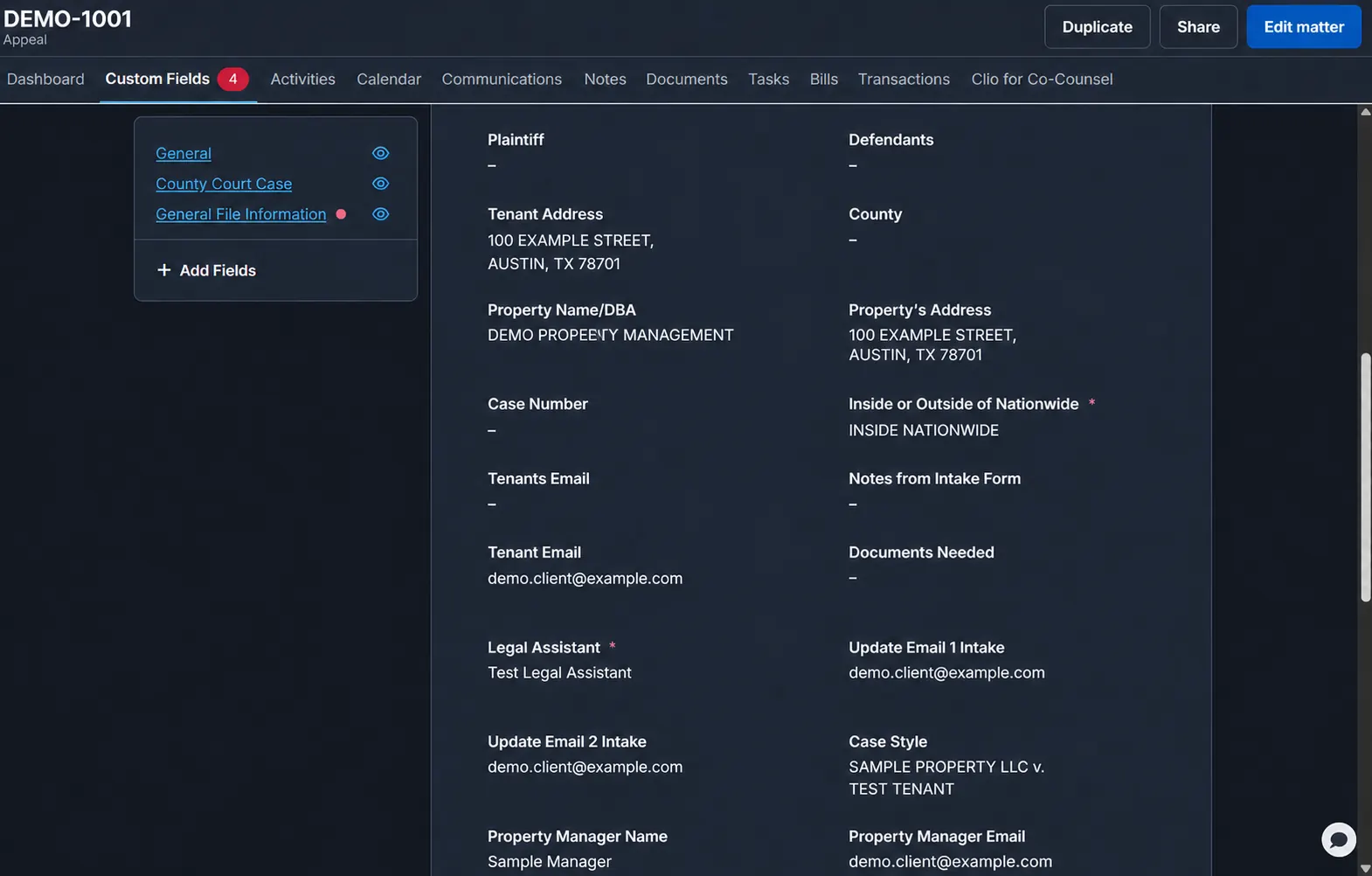
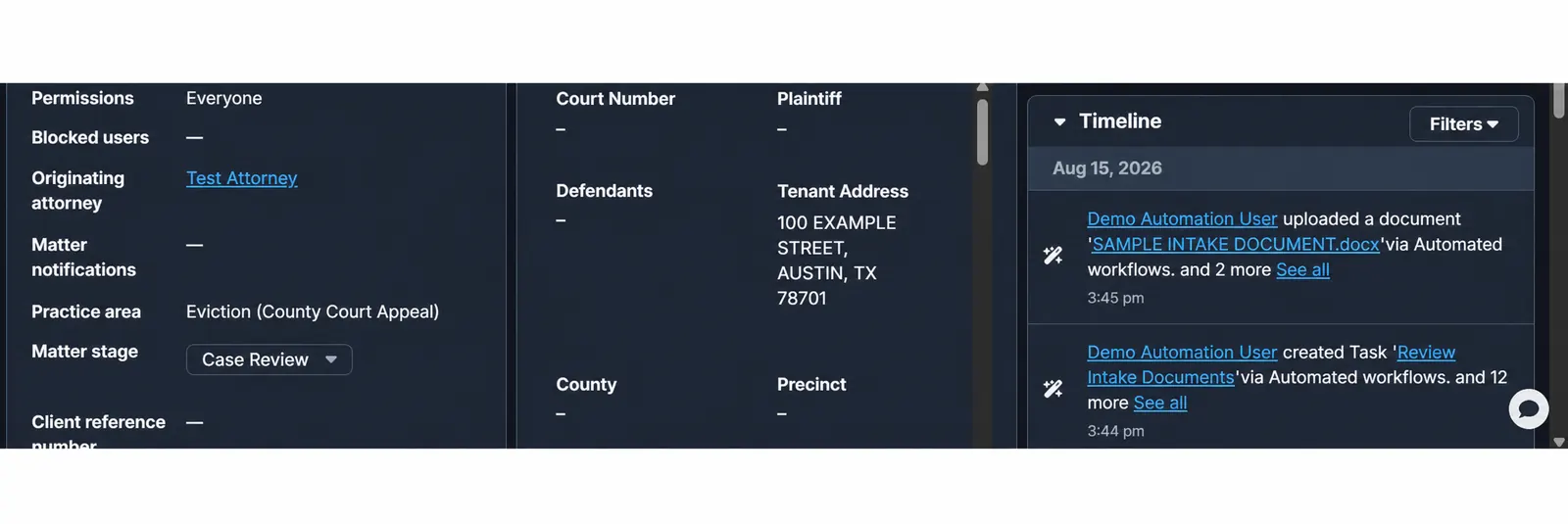
These are general examples only. They do not contain any client rules, fields, messages, data or configuration. Every name, address, email, telephone number, matter number and document title shown below is fictional test data.
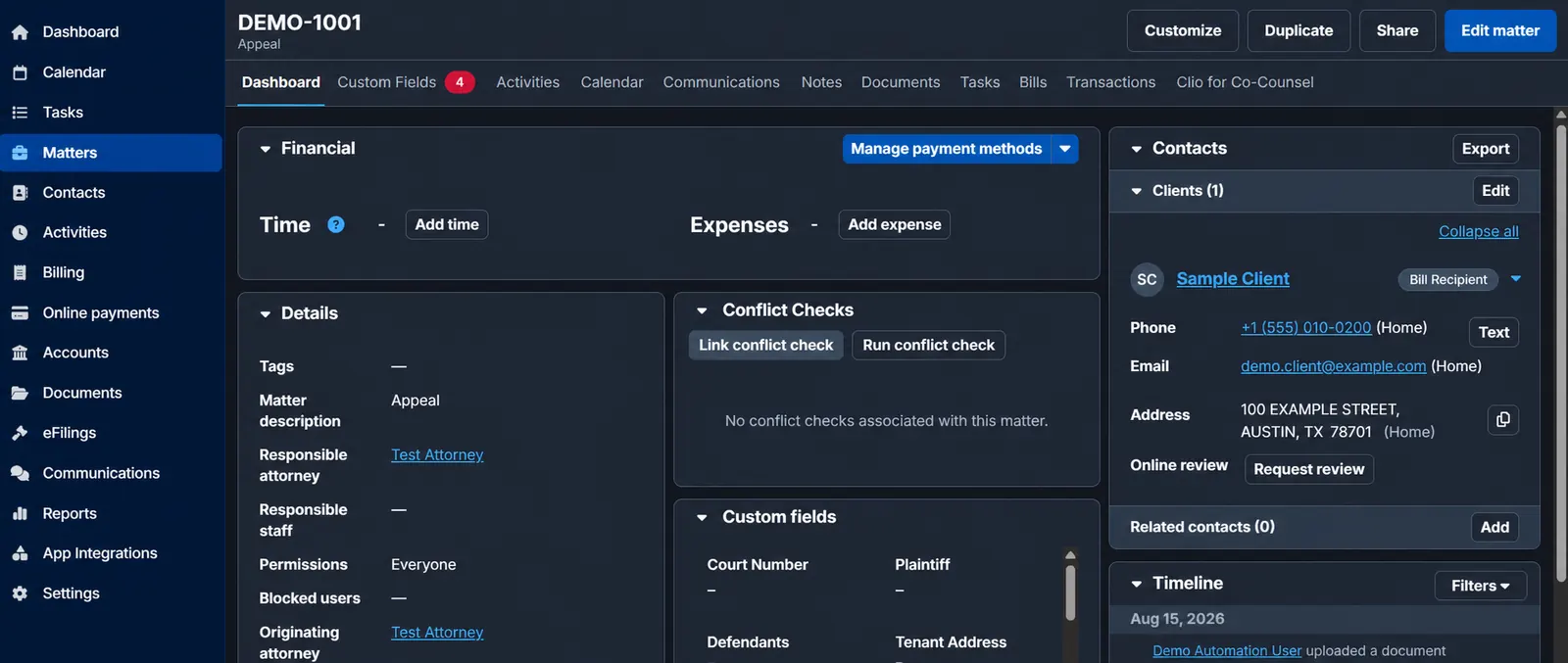
From a stage change to a reviewed next action
An approved Clio stage change can create a Calendar event, internal task or draft communication. Staff reviews dates, recipients and legal substance before sensitive messages are sent.
From matter data to a controlled document draft
Approved fields can populate a Google Docs template, save it to the correct Drive location and return a link to an operational tracker. Access must follow the firm’s permissions.
From an exception to a staff alert
If a required field is missing, a duplicate is suspected or an API request fails, the workflow stops safely and tells the responsible person what needs review.
Choosing the connection layer
Airtable can provide a structured operational view. Make fits branching scenarios, webhooks and explicit error routes. Zapier often fits contained event-to-action workflows. A direct Clio API integration gives deeper control for precise matching, custom logic and monitoring.
Law firm automation readiness
Your answers stay in this browser unless you explicitly choose to send the result to Anthony Group. This is an operational guide, not a security audit or legal assessment.
Real estate, dental, funeral homes and service businesses
See how the same request, ownership, next-action and exception pattern can be adapted carefully for different operations.
Have a workflow that keeps slipping?
Bring one real bottleneck to a free 30-minute discovery call.