
New enquiries sit in separate inboxes
Web forms, calls and referrals land in different places with no single owner.
Law firm automation
Practical workflow systems for firms using Clio, Google Workspace, Sheets, Make, Zapier, Airtable and APIs. Legal judgment always stays with the firm.
Where firms lose the handoff
Web forms, calls and referrals land in different places with no single owner.
Consultation reminders and next actions are inconsistent when one person has to remember them.
Intake information is copied into the matter system, the calendar and the document list.
Short workflow check
Your answers stay in this browser unless you choose to send your result. This is an operational guide, not a legal or security assessment.
One example
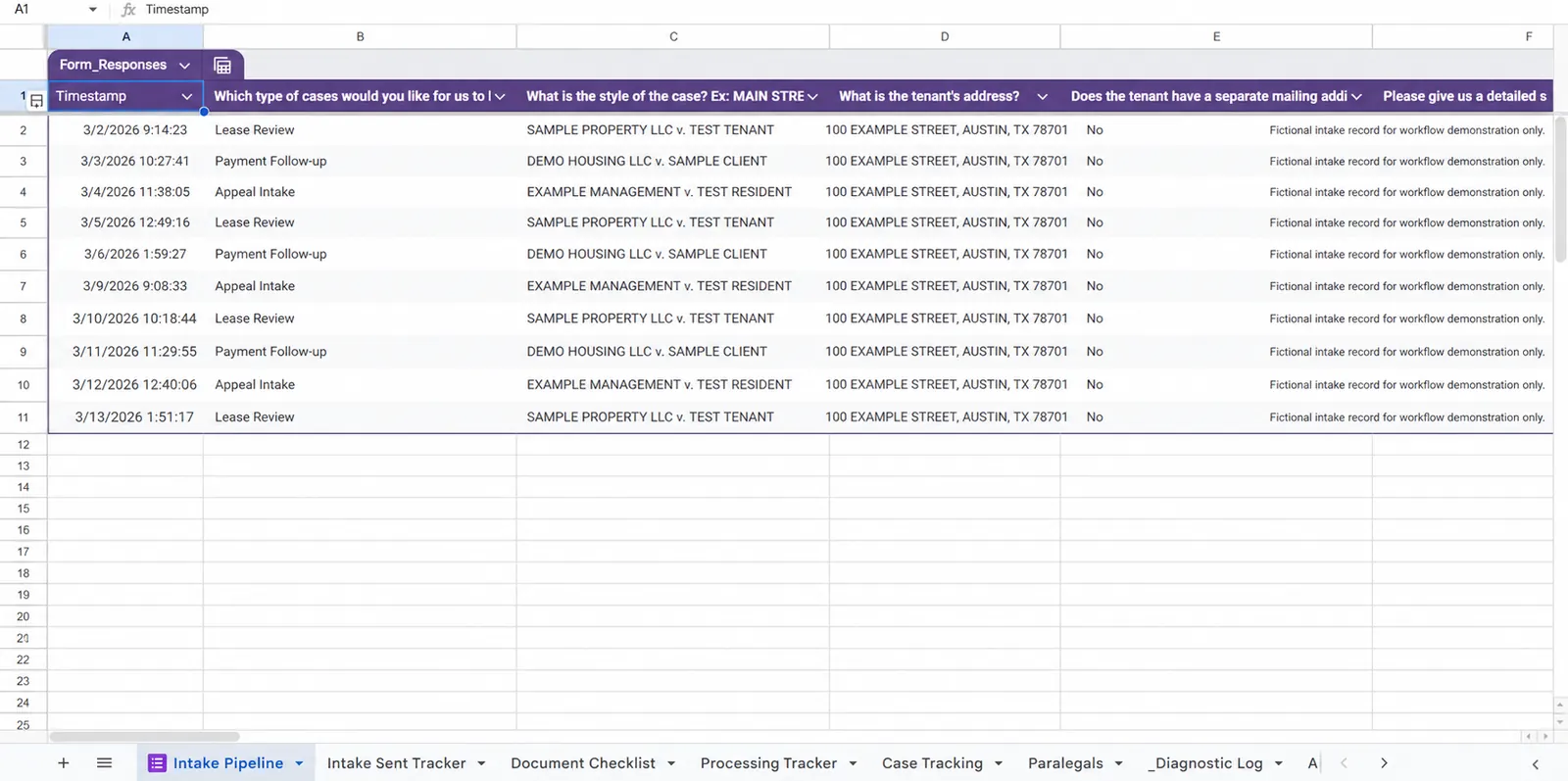
Form responses, case types and supporting documents are checked across separate messages and files.
A validated intake record enters one pipeline, receives a demonstration case ID and creates a visible document checklist.
Firm staff confirm conflicts, legal sufficiency, deadlines and representation. Automation only organizes the handoff.
Privacy and review boundaries
Legal judgment, conflict decisions, deadline interpretation and sensitive client communications remain with qualified firm personnel. A general intake form should not invite privileged, medical, payment-card or other highly sensitive information.
Proof and compatible tools
“Blessing is always great! She assist me with some automation for my law firm that has helped reduce the number of man hours required in each day.”Law-firm client, United States. Verified on Fiverr
Final compatibility depends on your plan, permissions and workflow requirements.
Bring one real bottleneck to a free 30-minute discovery call.